Omnibuses in Write: boxed sets that keep themselves current
Put several of your books into one volume—a whole series or a boxed set—and Write keeps it in step with every fix you make to the books themselves.
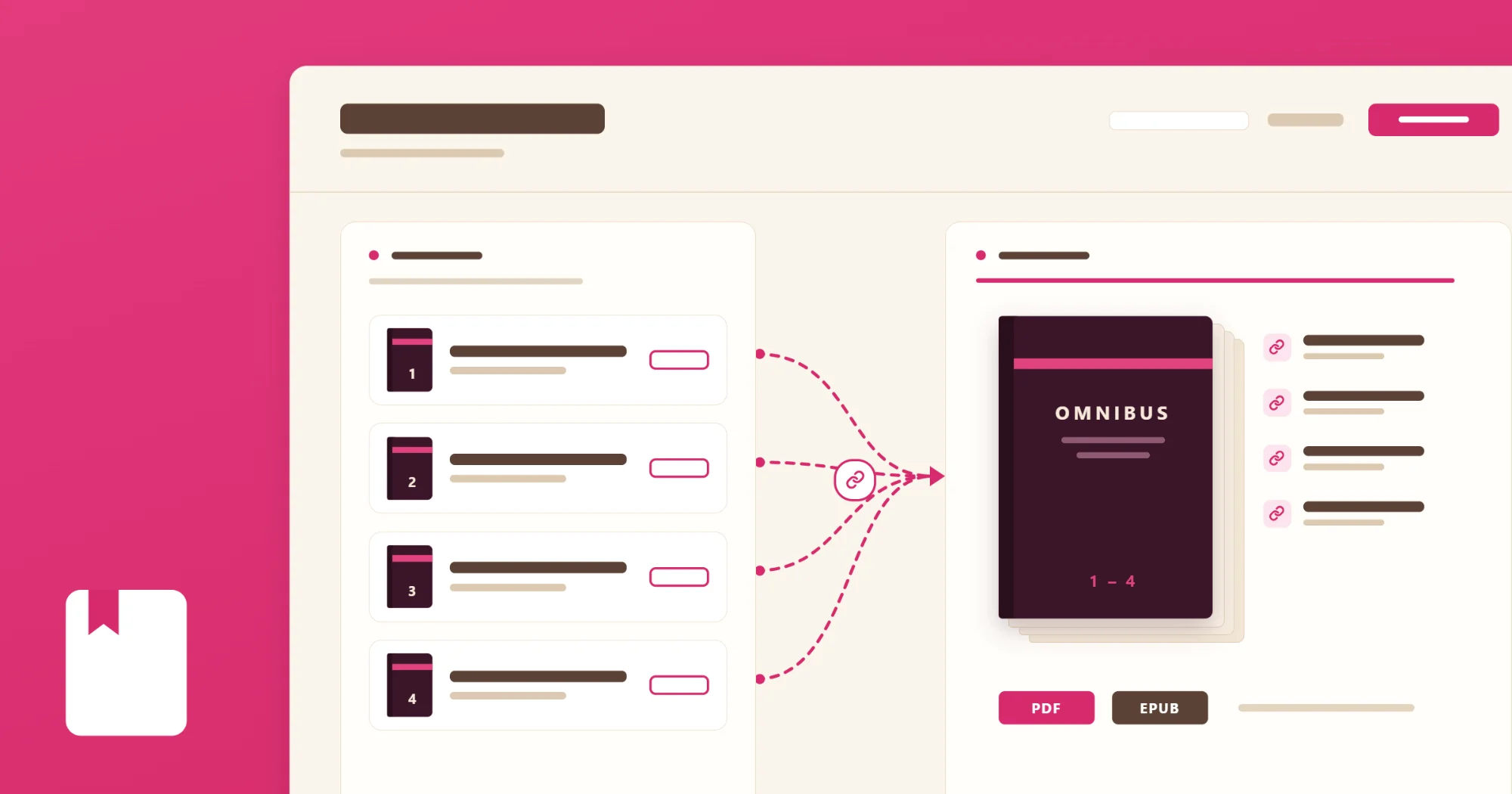
A boxed set is one of the best things an indie author can put on the shelf, and one of the most tedious to make. You copy three books into one file, fix the chapter numbering, build a contents page by hand—and the next time a reader reports a typo in book two, you fix it twice.
Write now makes omnibuses for you, and it doesn’t have to duplicate a single word.
Make one in a minute
On the Library page, click the … menu on the right side a series heading and choose Create omnibus (boxed set). A window opens with that series’ books ticked, in order. Untick any you’d rather leave out, add others from your shelf if you like, give it a title, and click Create omnibus.
For a mix that isn’t one series—the first book of three different series, say—click New omnibus at the top of the Library and tick whichever books you want.
The omnibus sits on your shelf under its own Omnibuses line, below the books it’s made from.
It reads your books live
An omnibus doesn’t hold copies. Each time you preview or publish it, Write reads every book as it stands that day. Fix a typo in book two and the fix is in the automatically in the omnibus as well.
Inside the omnibus, its books are listed where chapters would be. Reorder them, add one or take one out from there. Click a book and Write offers a link that will take you to its individual record, so you can edit at the source.
What prints
- The omnibus’s own front and back matter: its title page, copyright page and contents, plus anything else you add.
- Each book behind its own title page, on a right-hand page: title, subtitle, series line and byline.
- Every chapter numbered as its own book numbers it, with its parts if the book has them.
- A contents page that lists the books, each with its chapters beneath it. The ebook’s table of contents is nested the same way.
- Running heads that name the book a page belongs to, not the omnibus.
Its own page setup
An omnibus has its own page setup and chapter look, so it can be a different book from its parts. Your standalones might be 5.25 × 8 in 11-point type, while the boxed set runs 6 × 9 in 9-point to stay under a printer’s page limit. The status bar shows an estimated page count as you go, so you know where you stand before you build.
When a chapter ends with a line or two alone on a page, Preview offers to tighten or loosen a paragraph to pull it back. Those nudges belong to the page setup you make them in, so tidying the omnibus never moves a page in the books it’s made from. And after a nudge, Write sets just that chapter again and drops it into the preview in a few seconds, so you can see whether it worked without waiting for the whole volume.
Also new in Write
- Pin and fold your series. Pin the ones you’re working on to the top of the Library, and fold the rest shut. Write remembers both, on every device.
- Preview follows you. It opens on whatever you have open in Write—a chapter, or a front- or back-matter section.
- A faster contents preview. The contents page shows estimated page numbers while you work on it, so it appears in a moment instead of waiting for the whole book.
The help center has the details, in Make an omnibus.